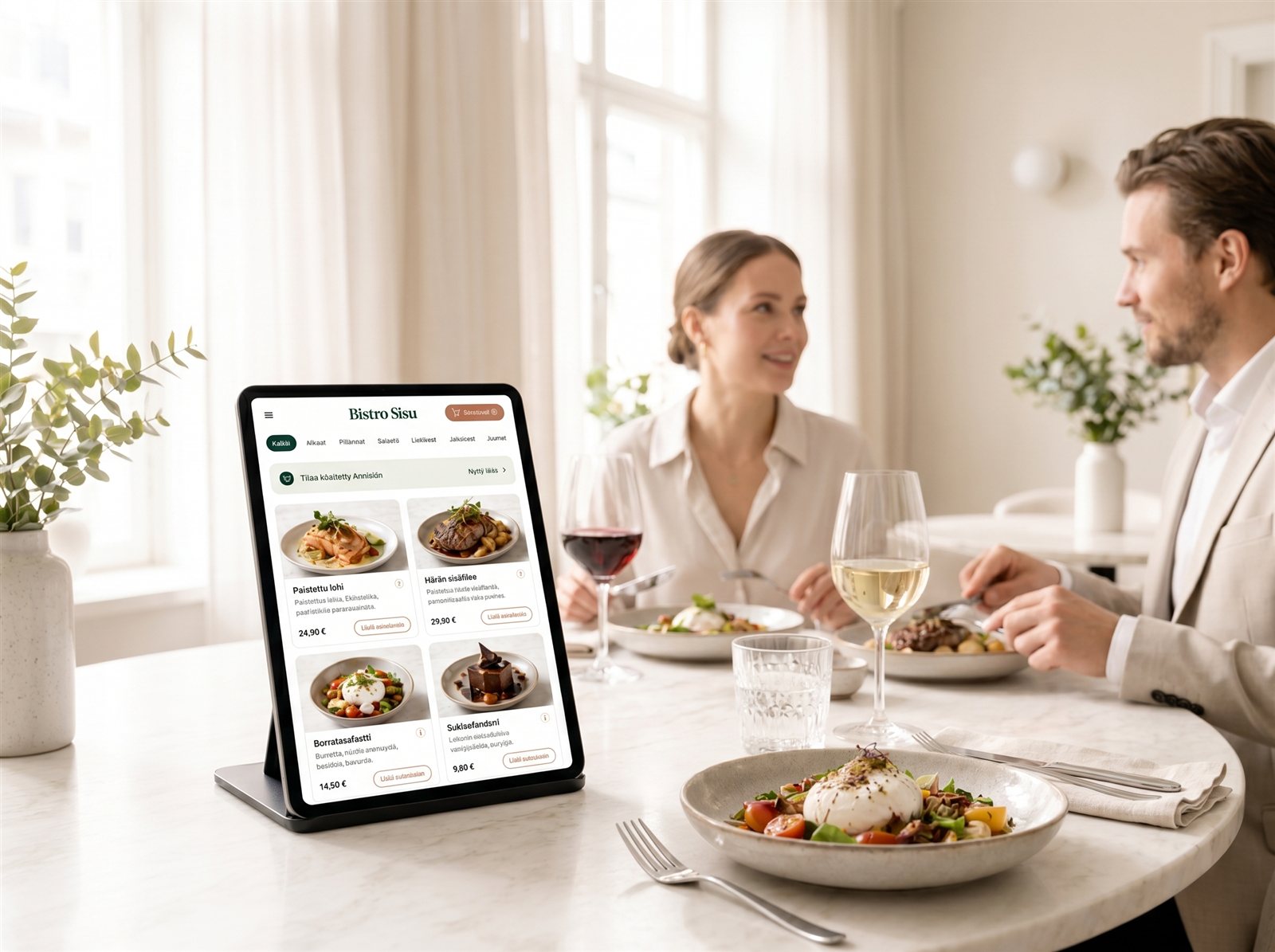
Your guests order more when you make it easy
Creavo Order makes ordering easier for the guest and lighter for the staff. The guest browses the menu, chooses dishes and sends the order straight from the table on a tablet.
- Tablet ordering straight from the table
- A digital menu with the restaurant’s own look
- Upselling for drinks, sides and desserts



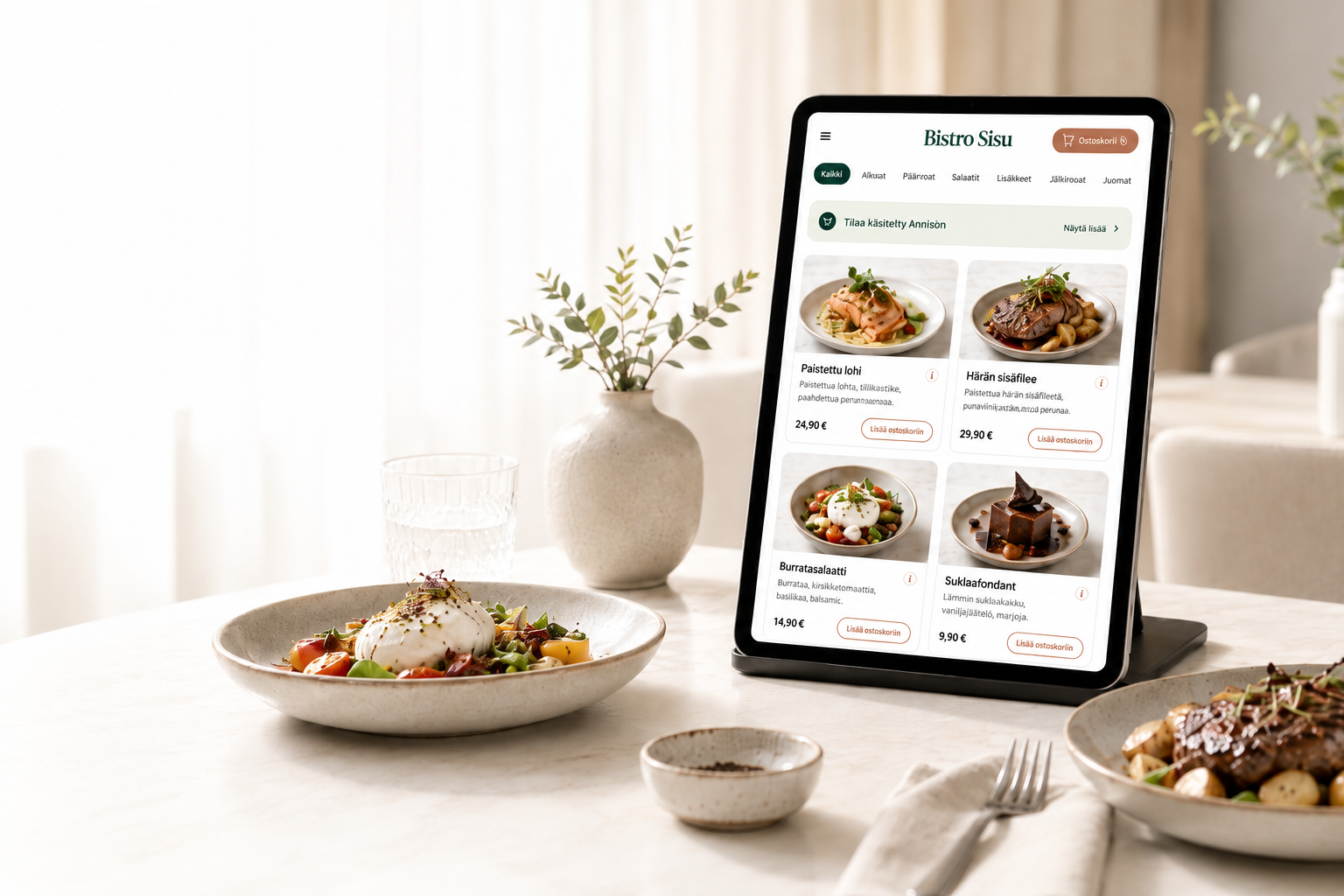
Ordering shouldn’t be the restaurant’s bottleneck
During the rush, staff have to take orders, answer questions, carry dishes and keep the floor moving. At the same time guests are waiting, upselling easily gets skipped and orders can go wrong.
Creavo Order helps even out this load. The guest can order whenever they’re ready, and the staff can focus on service, recommendations and managing the whole.
How does Creavo Order work?
The guest browses the menu on the tablet
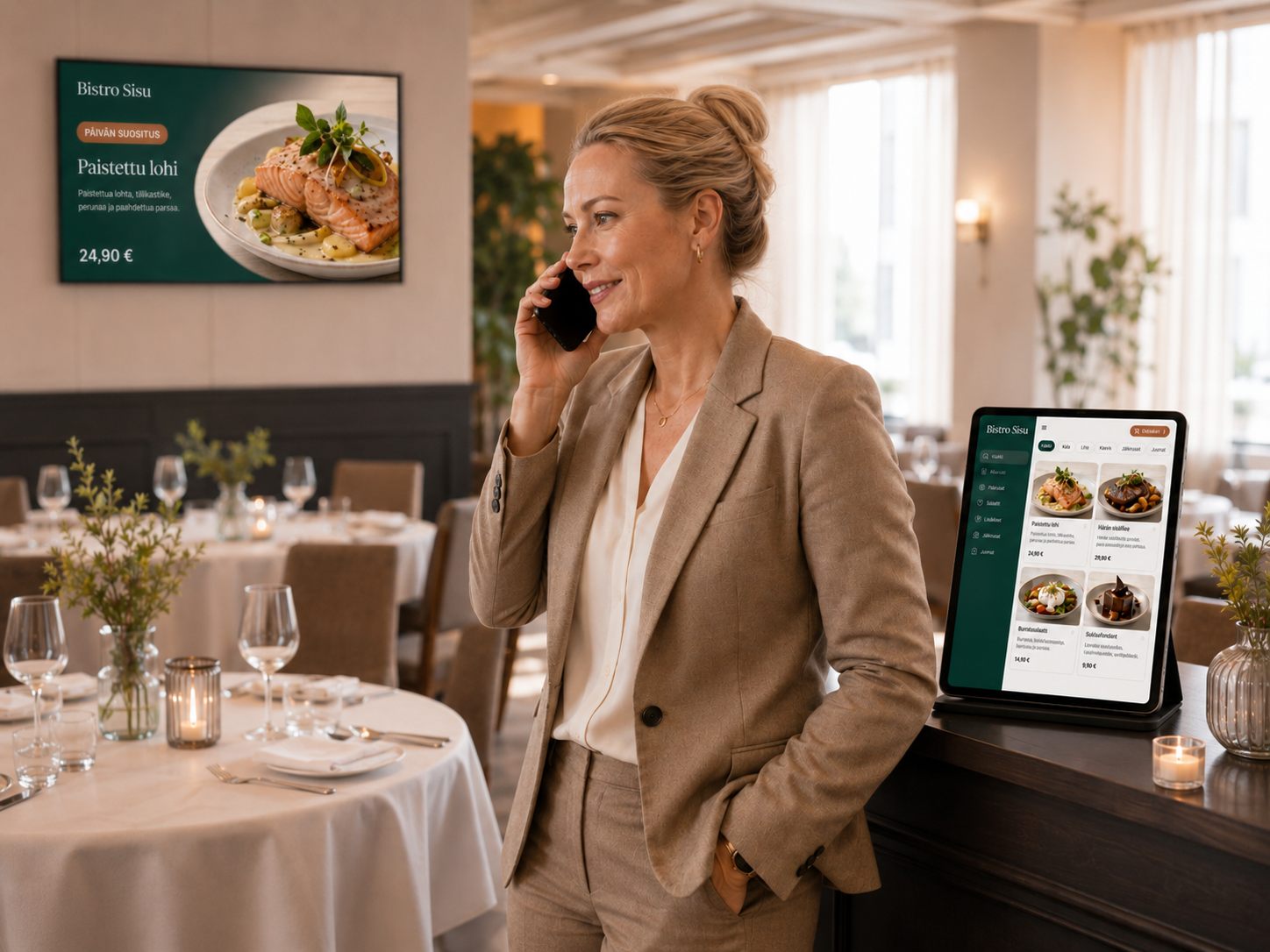
The menu shows clearly, with images and the restaurant’s own look. The guest sees the dishes, prices, options and recommendations with no waiting.
The guest orders from the table
The order can be placed straight on the tablet. This speeds up service and cuts the situations where an order is misheard or an option is forgotten.
The restaurant receives the order
Orders are routed into the restaurant’s agreed workflow. The staff clearly see what was ordered and which table it came from.
Everything for restaurant ordering — in one view
The menu, orders, upselling and the restaurant’s own look come to the table as one whole. Here’s what that means in practice.
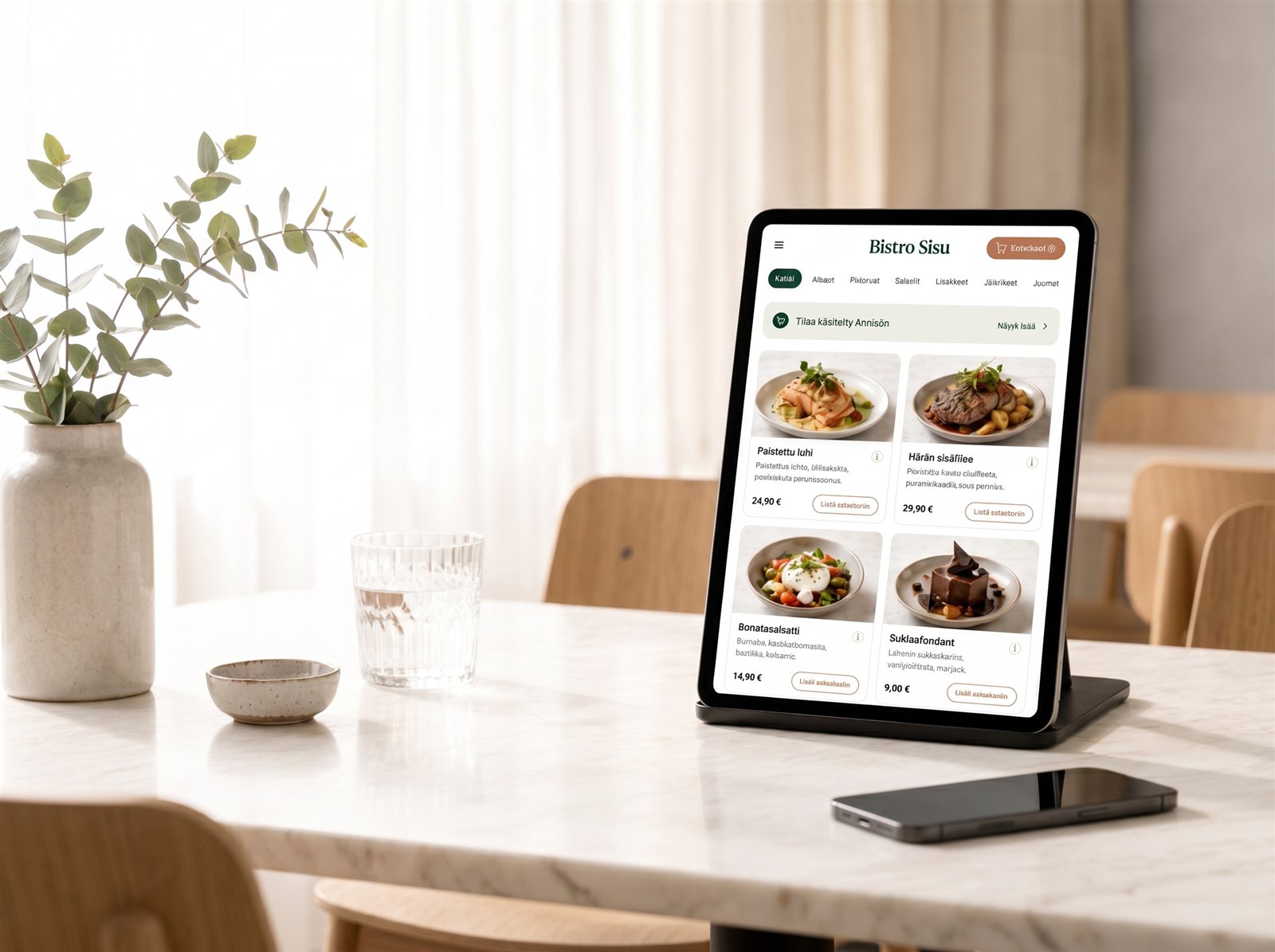
A clear, selling menu on the tablet
Creavo Order shows the restaurant’s menu in a modern, easy-to-browse form. Dishes, prices, images, categories and options can be presented in a way that makes ordering effortless for the guest.
- Dishes and categories clearly on show
- Product photos and descriptions
- Options and variations
- A UI that fits the restaurant’s look
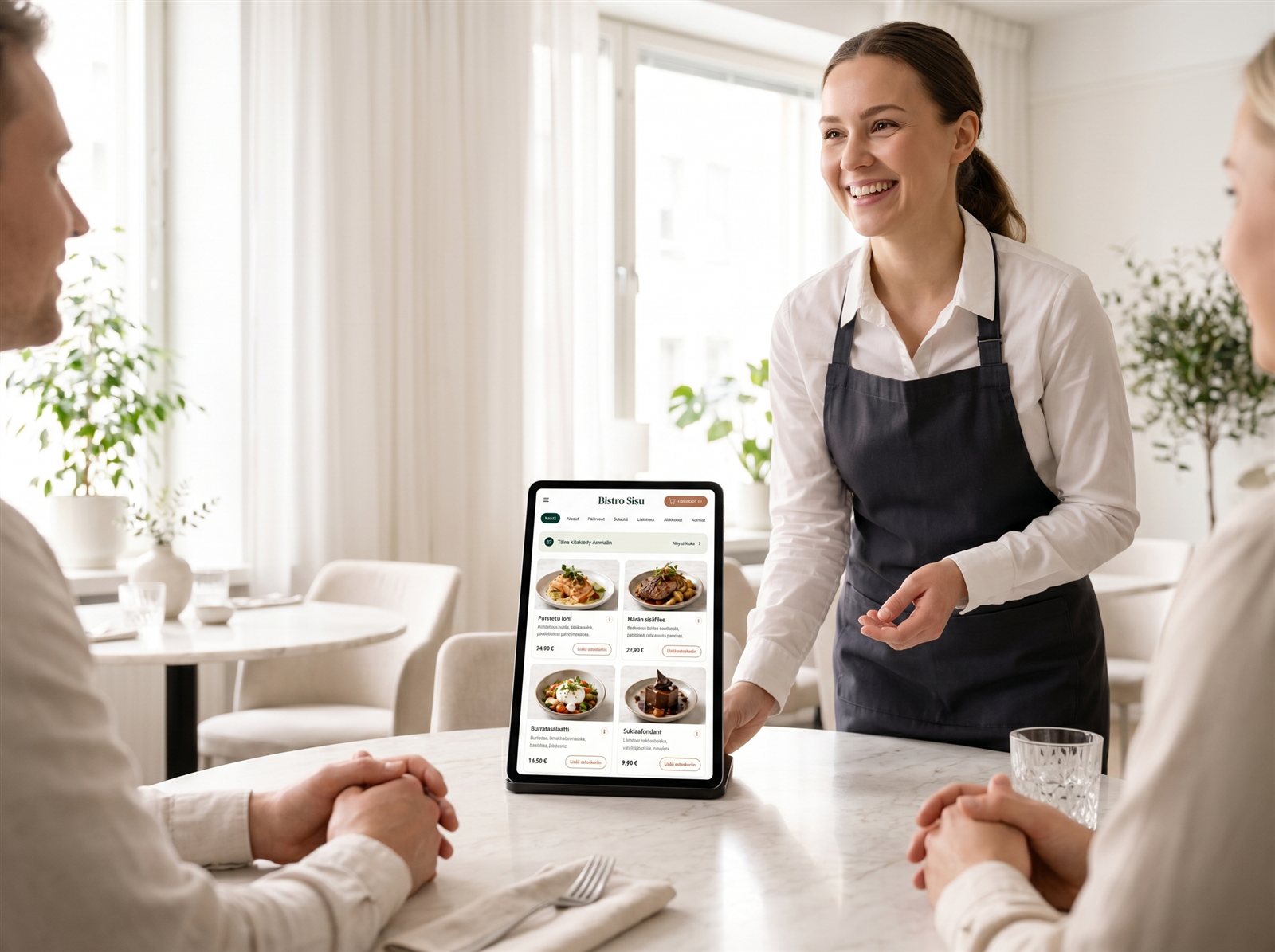
Ordering straight from the guest’s table
The guest can place an order at their own pace straight on the tablet. This reduces waiting and helps the staff serve more guests more smoothly.
- Ordering straight from the table
- Less waiting during the rush
- A clearer ordering process
- Fewer misheard orders
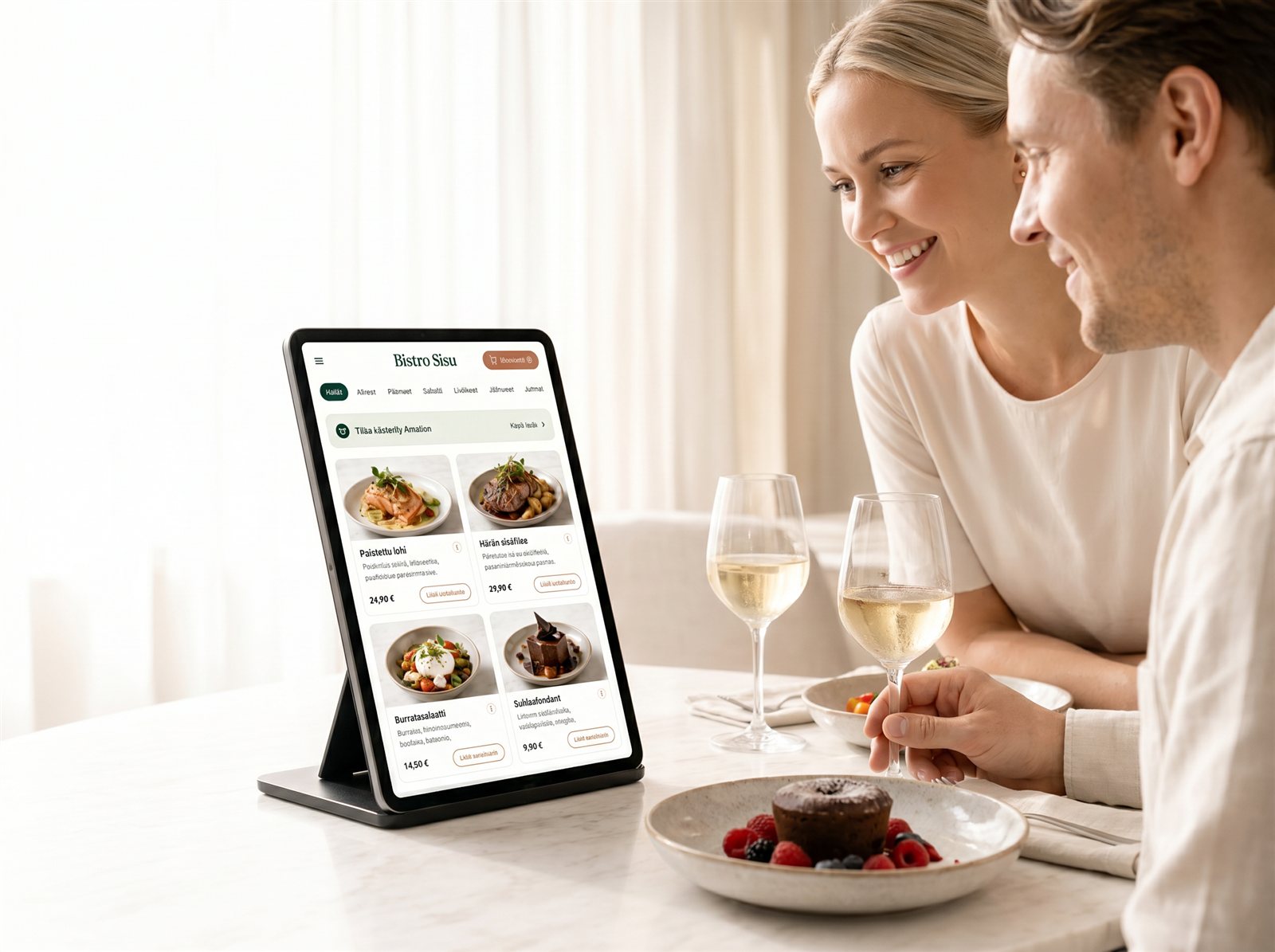
Drinks, sides and desserts brought forward
Creavo Order can bring forward the right add-ons at the moment of ordering. The guest can be recommended a drink, a side, a dip, a dessert or a campaign item right when the purchase decision is made.
- Drink recommendations
- Sides and toppings
- Desserts and campaigns
- Most popular items highlighted
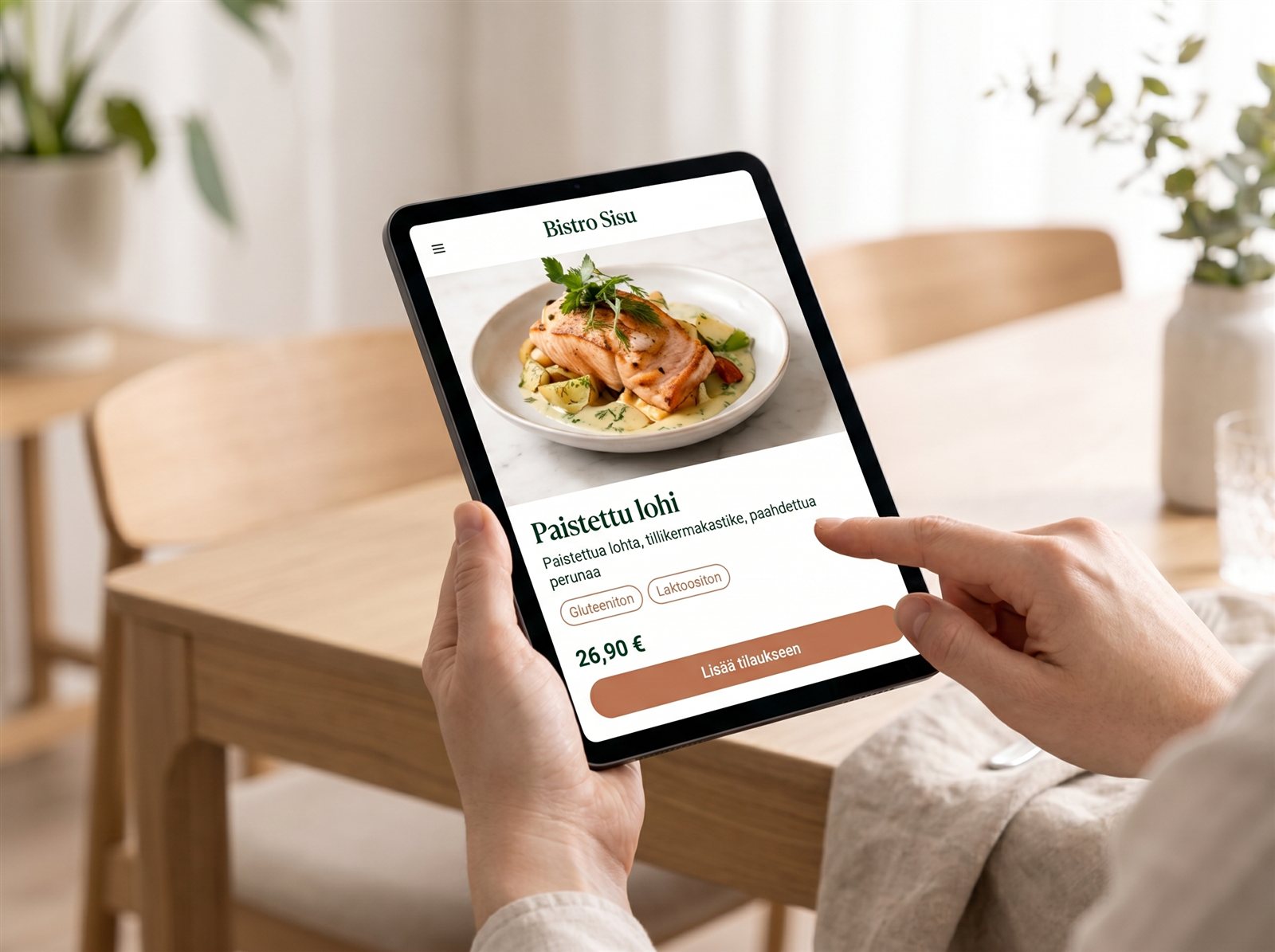
Not a generic system, but part of the experience
The tablet view can be designed to match the restaurant’s brand. Colours, images, typography and the UI are finished so the system feels like part of the restaurant’s own experience.
- The restaurant’s colours and style
- Your own logo and visual line
- Imagery that fits the dishes
- A finished user experience
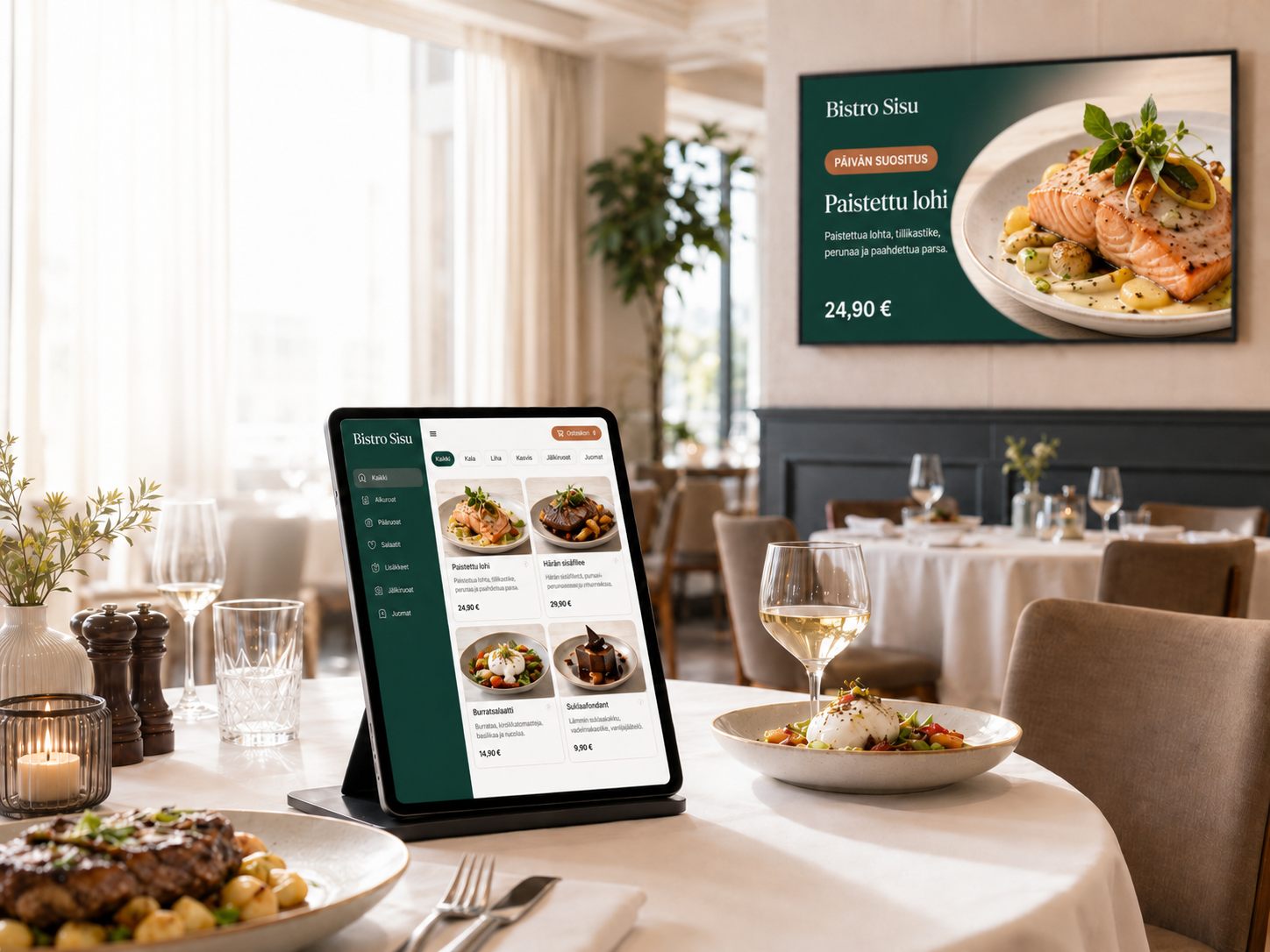
The menu changes without new printed materials
When prices, products or campaigns change, they can be updated digitally. This makes everyday life easier especially in restaurants with changing dishes, lunch lists or seasonal items.
- Product updates
- Price changes
- Campaigns and seasons
- New dishes on show quickly
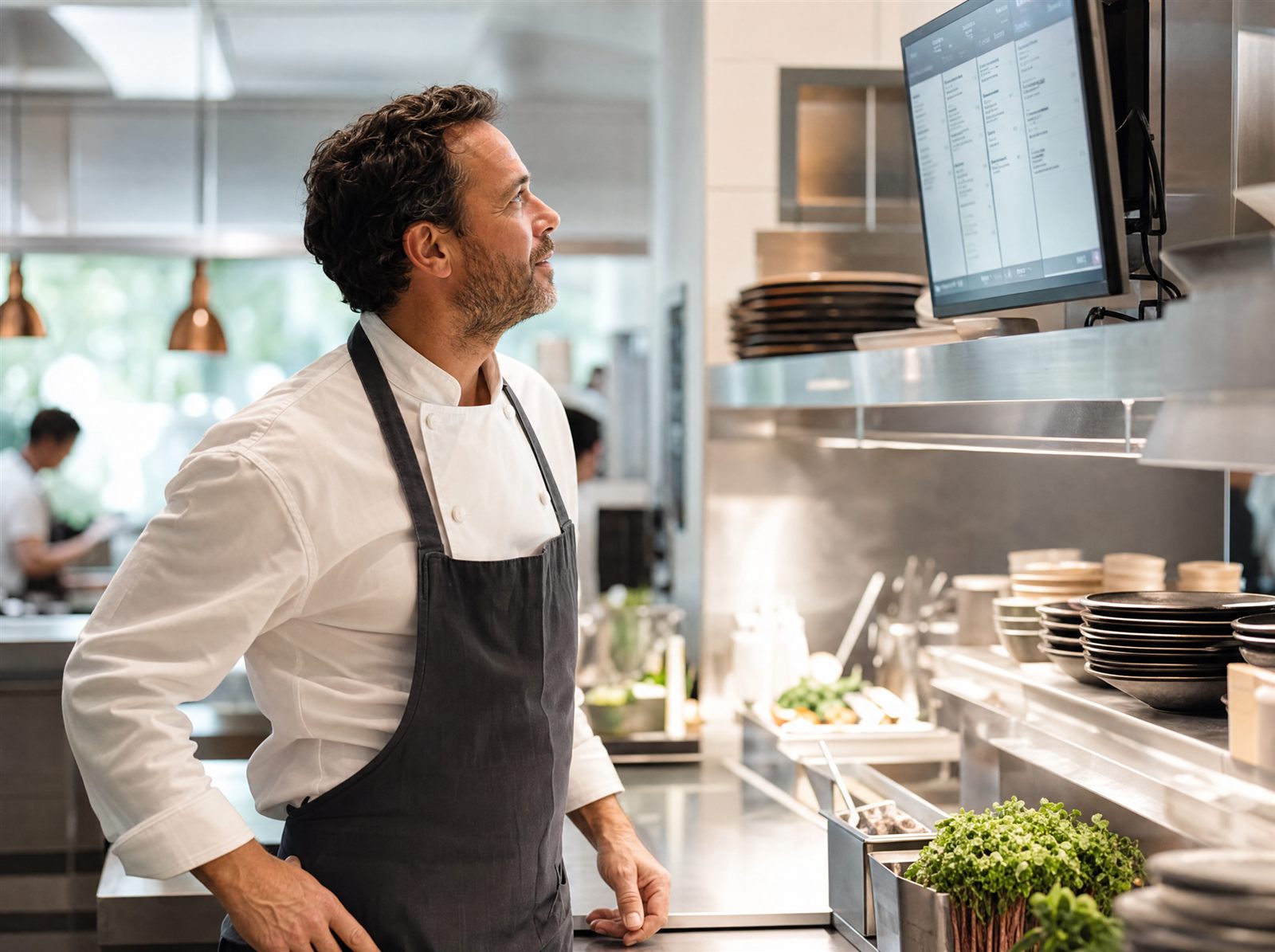
Less rush when taking orders
When part of the ordering shifts to the guest, the staff get more time for service, carrying dishes, recommending and finishing the guest experience.
- Lighter floor work
- A clearer workflow
- More time for customer service
- A better service experience during the rush
Why a tablet instead of just a QR menu?
A QR menu often shows just a list of products. Creavo Order takes the experience further. The guest can browse, choose, place the order and see recommendations in the same view.
A tablet feels like a more controlled and finished solution in the restaurant. It doesn’t require the guest to use their own phone, have battery left or open a QR code.
A simple price. Many times the value.
Creavo Order costs €38 per table per month. The same table can generate €5–10 in extra sales per day from the tablet — images, recommendations and suggestions do the selling without anyone having to ask.
The investment pays for itself before the first table has even cleared.
- A monthly fee — no upfront cost
- Scales with the number of tables
- Support, updates and the tablet included in the price
- The tablet and a digital menu
- Orders straight to the kitchen
- Upsell suggestions automatically
- Support and updates included
We build the whole thing for you
We design an ordering view that suits your restaurant, build the menu structure, finish the visual look and help with going live. You get a system that looks like your restaurant and is easy for the guest to use.
- Menu and categories
- Products, prices and options
- A look that matches the restaurant’s brand
- Finishing the go-live
Questions about Creavo Order
Does the guest need to download an app?
Does the tablet replace the server?
How much does average spend grow?
Does the order work with the kitchen?
Who installs and trains?
What kind of restaurant is this for?
Does the menu work in different languages?
Didn’t find the answer you were looking for?
Want to see what Creavo Order would look like in your restaurant?
Let’s look together at how tablet ordering could work in your restaurant. You’ll get a clear proposal on how the menu, the ordering path and upselling can be built.