
Manage digital screens from one app
Creavo Screen is a modern, easy-to-use app for managing digital screens. Update menus, ads, campaigns and presentations straight to your screens from one clear dashboard — remotely, whenever it suits you.
- No USB sticks, no separate media players
- All screens under one account, with remote management
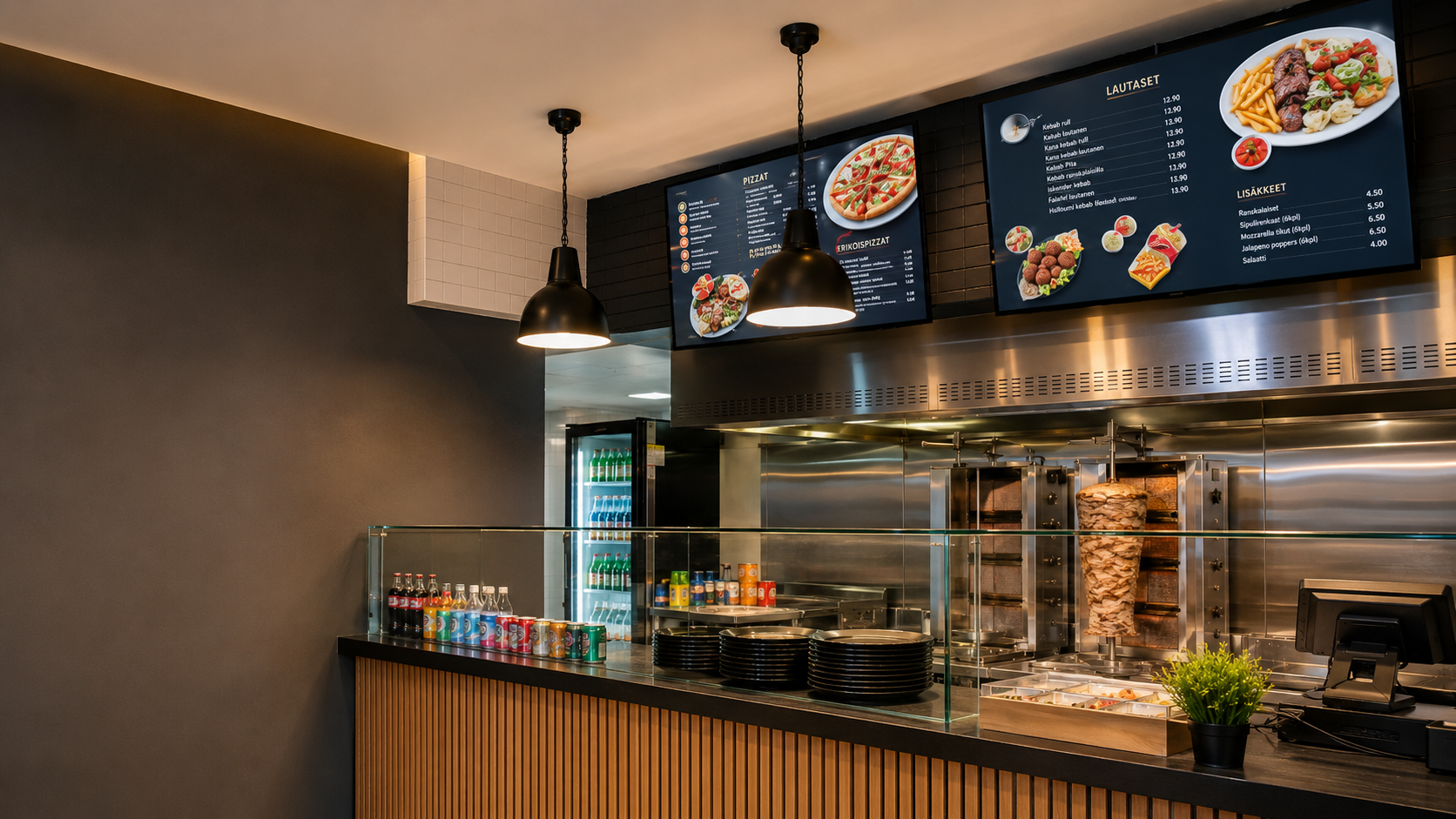
Everything for managing screens — in one app
Creavo Screen brings content, screens and publishing together into one clear dashboard. Add content, choose your screens, schedule publishing and update remotely — without any technical fiddling on site.
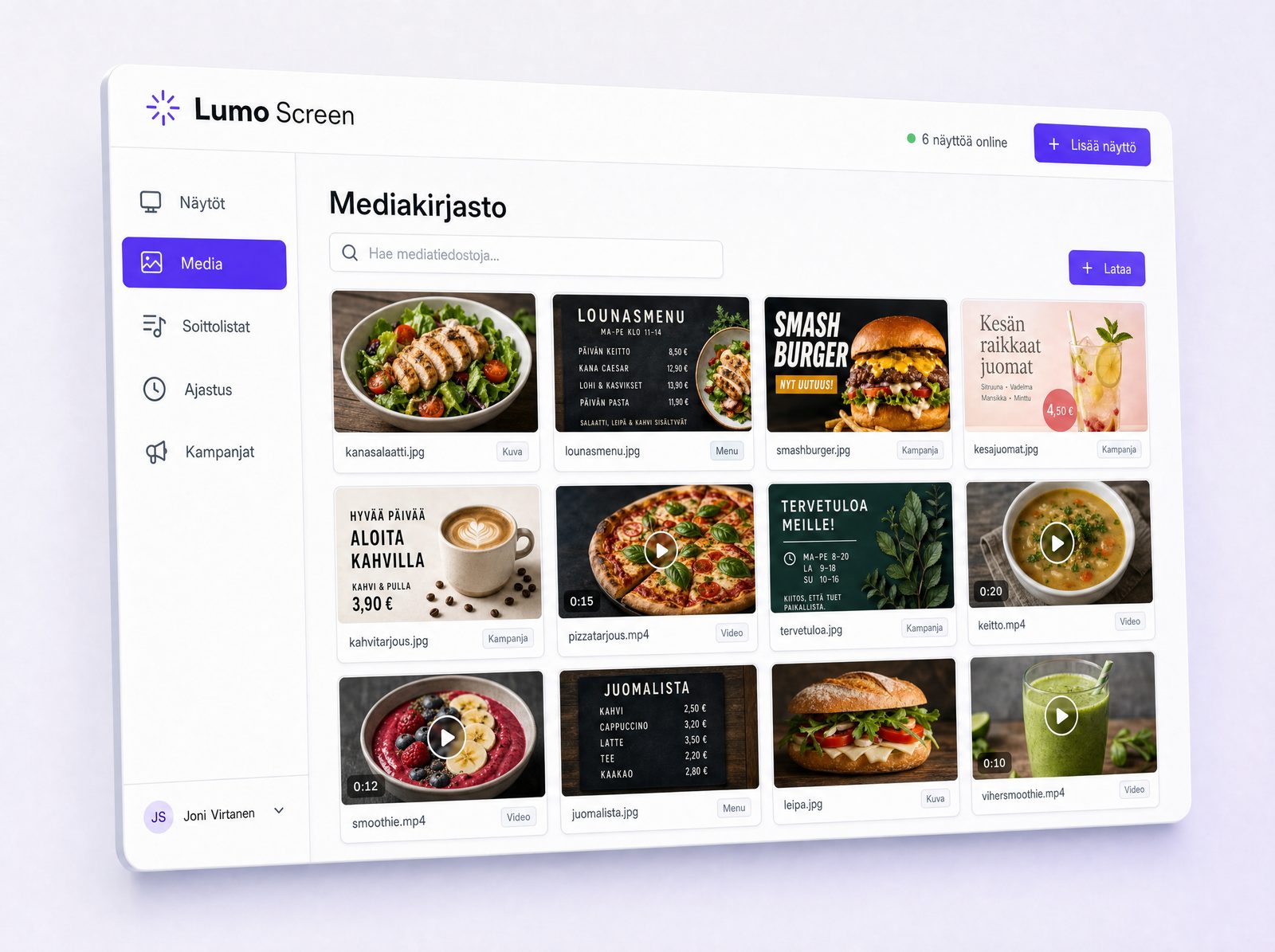
All your content in one place
Creavo Screen acts as the home for your business’s digital content. Upload images, videos, menus, campaigns, ads and presentation materials, and publish them to the right screens straight from the dashboard.
- Media library for images and videos
- Ad materials and campaigns
- Menus, lunch lists and presentations
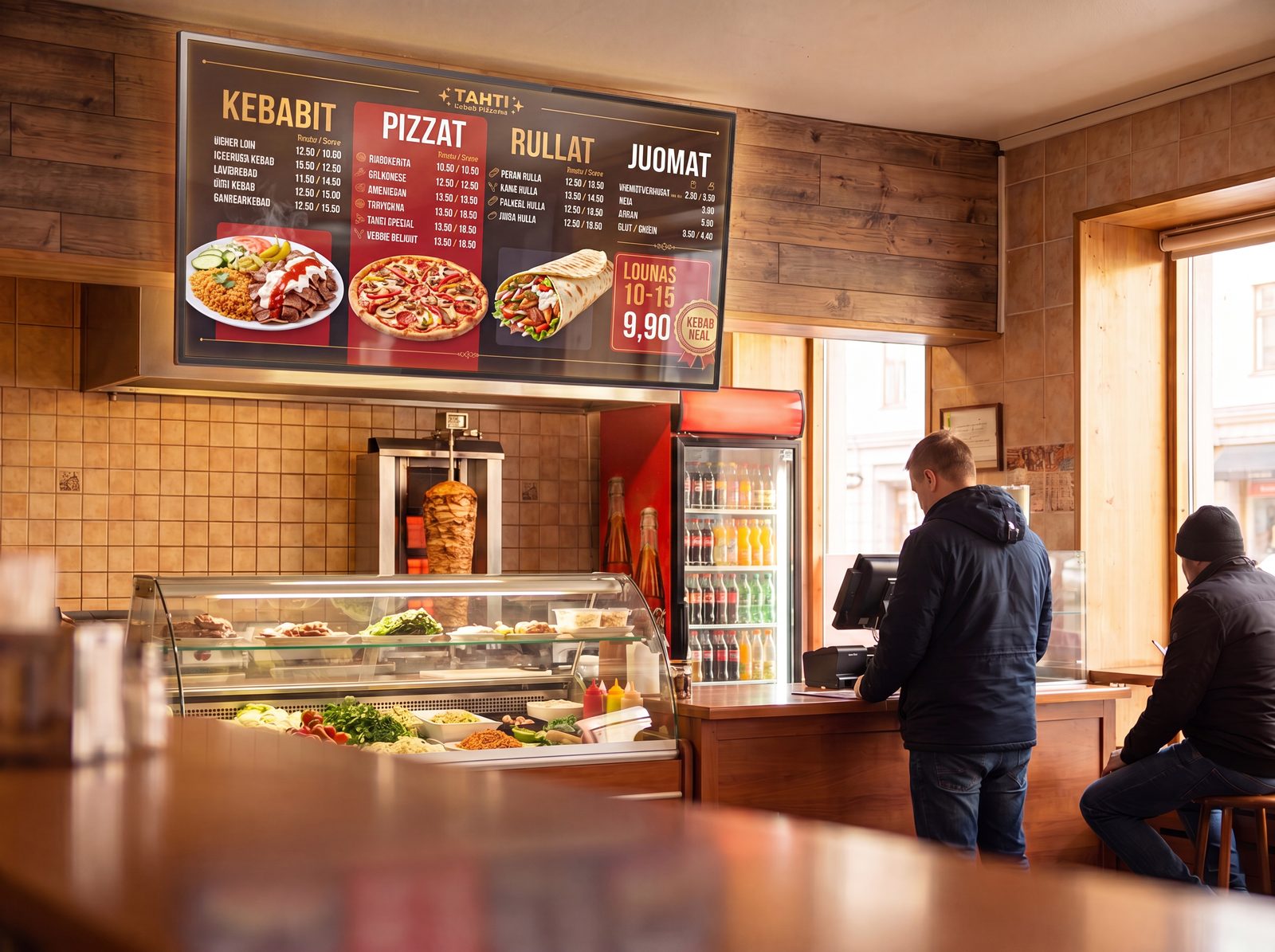
Update menus and ads with ease
Creavo Screen makes updating menus, lunch lists, offers and ads effortless. Change prices, products, images and campaigns straight from the dashboard — publish instantly or schedule them to appear on a specific day and time.
- Menu updates and ad swaps
- Price and product updates
- Scheduled publishing and remote updates
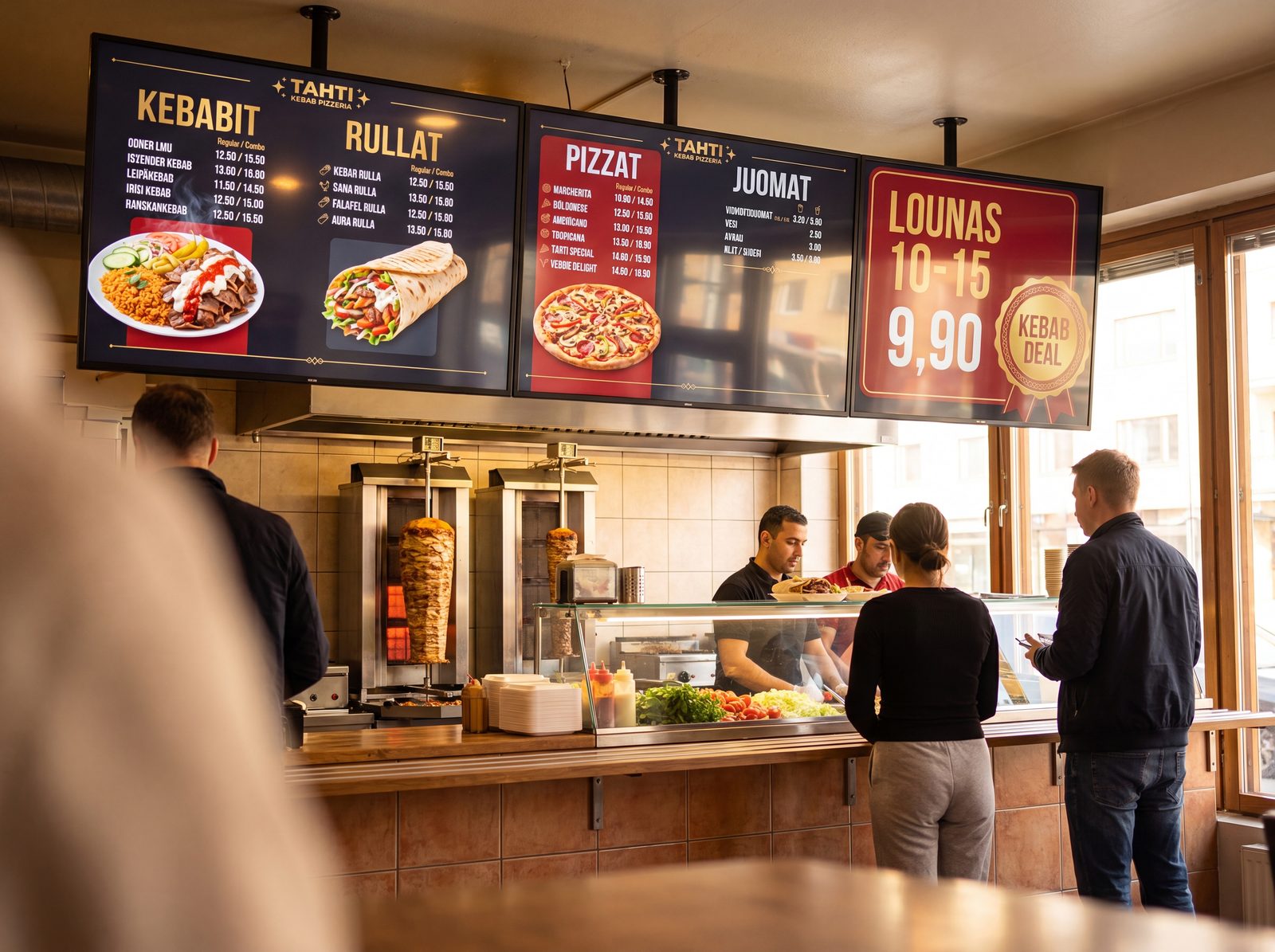
Multiple TV screens under one account
Manage multiple TV screens under one account. Screens are activated to the system, after which you simply choose which screen the content is published to. Update one screen, several or all at once — in the same space, in different rooms or across different locations.
- Manage multiple screens from one place
- Publish to selected or all screens
- Remote management across locations
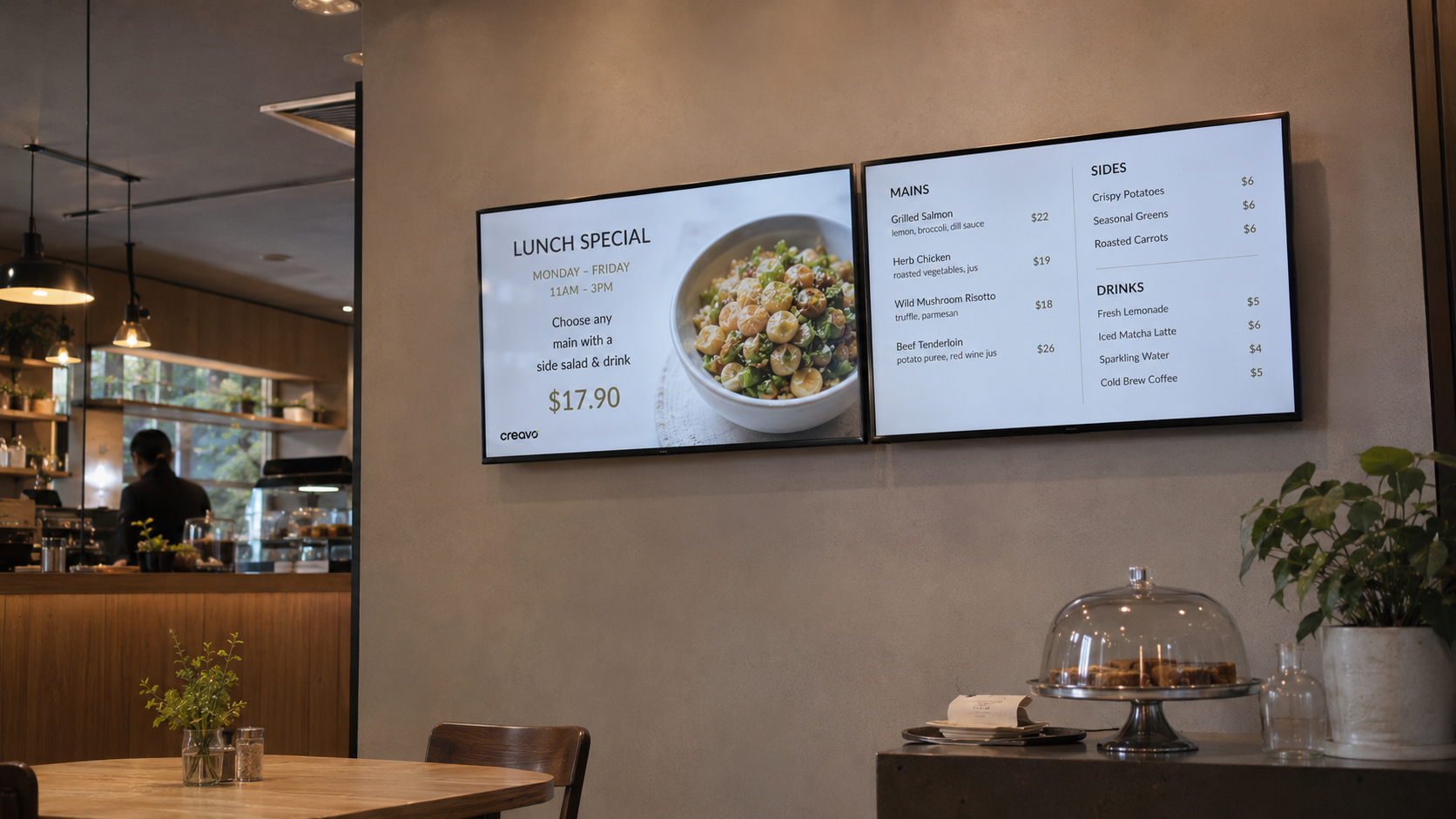
Works on landscape and portrait screens
Creavo Screen supports both landscape and portrait screens. Use the same system on TV screens, digital menu boards, info displays, campaign screens and portrait ad screens — content looks clear on screens of all sizes.
- Landscape and portrait screens
- TV, menu and info displays
- Responsive content views
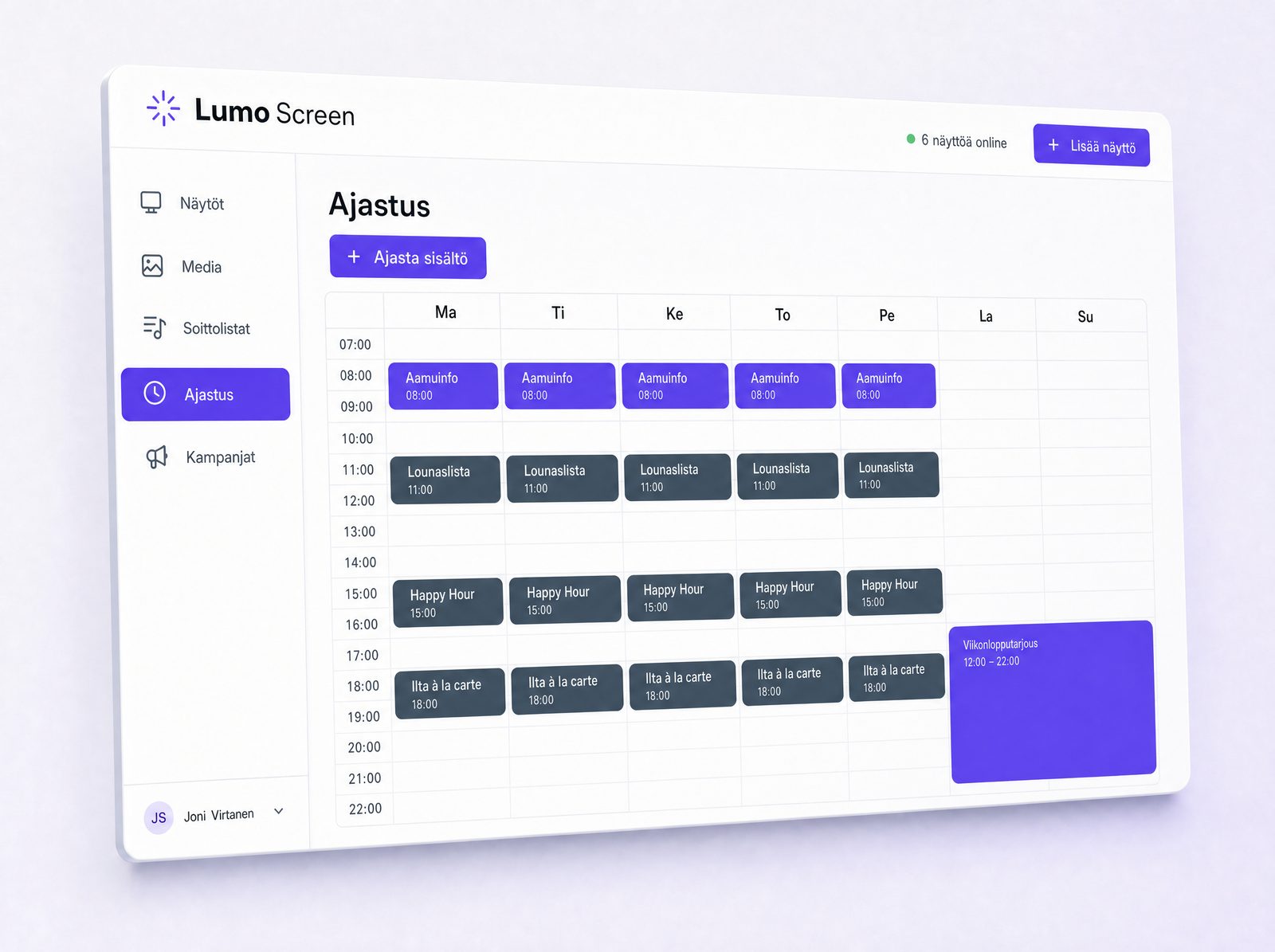
Schedule content in advance
With scheduling you plan your content ready in advance. Ads, menus and campaigns are scheduled to appear at the right time on the right screens — for example a lunch list at midday, a campaign in the afternoon and a weekend offer on certain days.
- Scheduling by day and time of day
- Scheduling of campaigns and menus
- Per-screen scheduling

Playlists and ready-made content sets
Build playlists from your content that run on screens automatically. A playlist can include images, videos, ads, menus and info content. Create different playlists for different screens, times or purposes.
- Playlists for images and videos
- Per-screen content sets
- Automatic playback
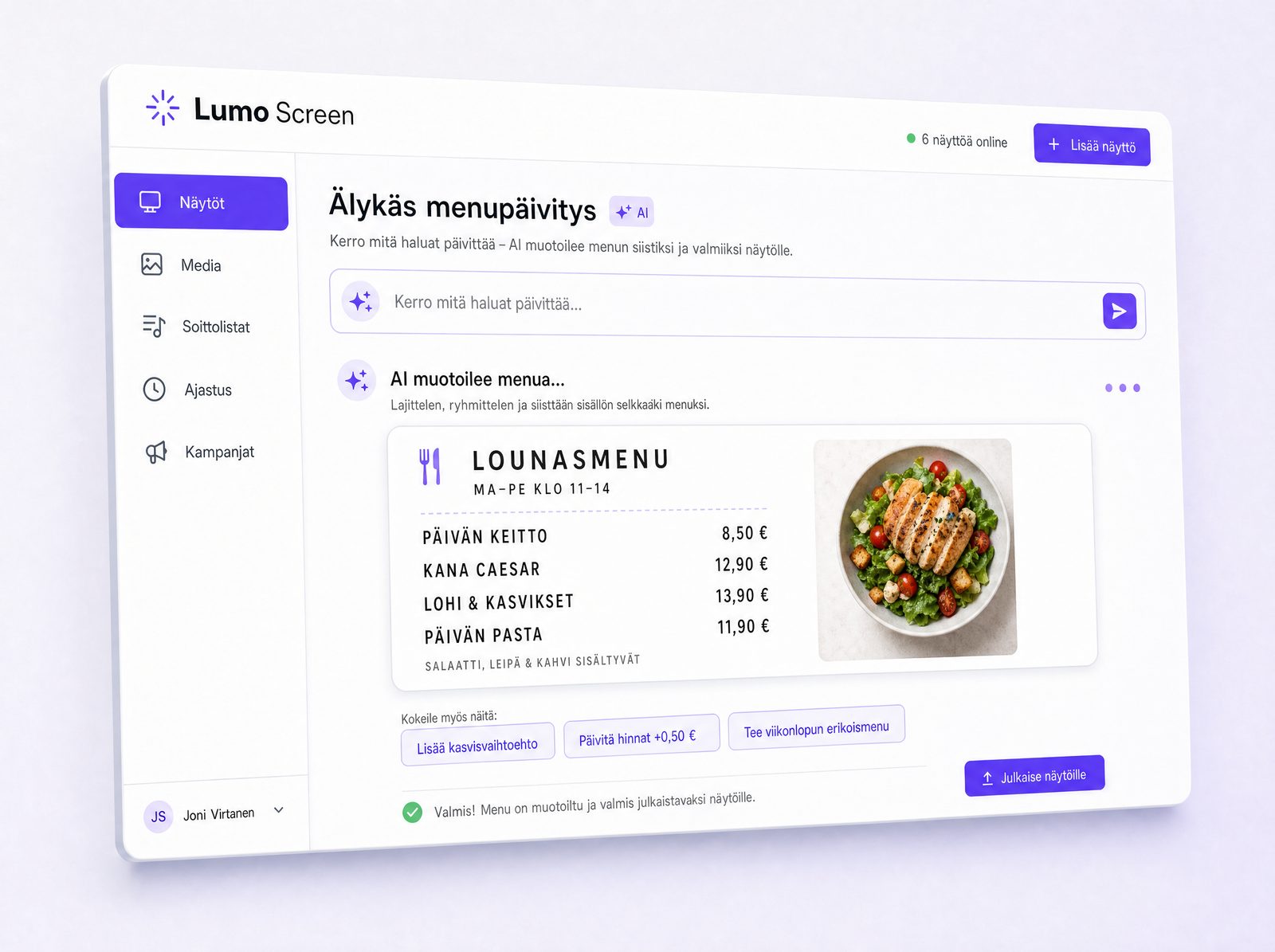
Smart menu updates with AI
Creavo Screen can be connected to AI-assisted menu updates that make it easier to format menus, lunch lists and campaigns to fit your screens. Especially useful for restaurants and cafés where menus and daily dishes change often.
- AI-assisted menu updates
- Formatting of menus and lunch lists
- A clear, screen-ready structure, faster
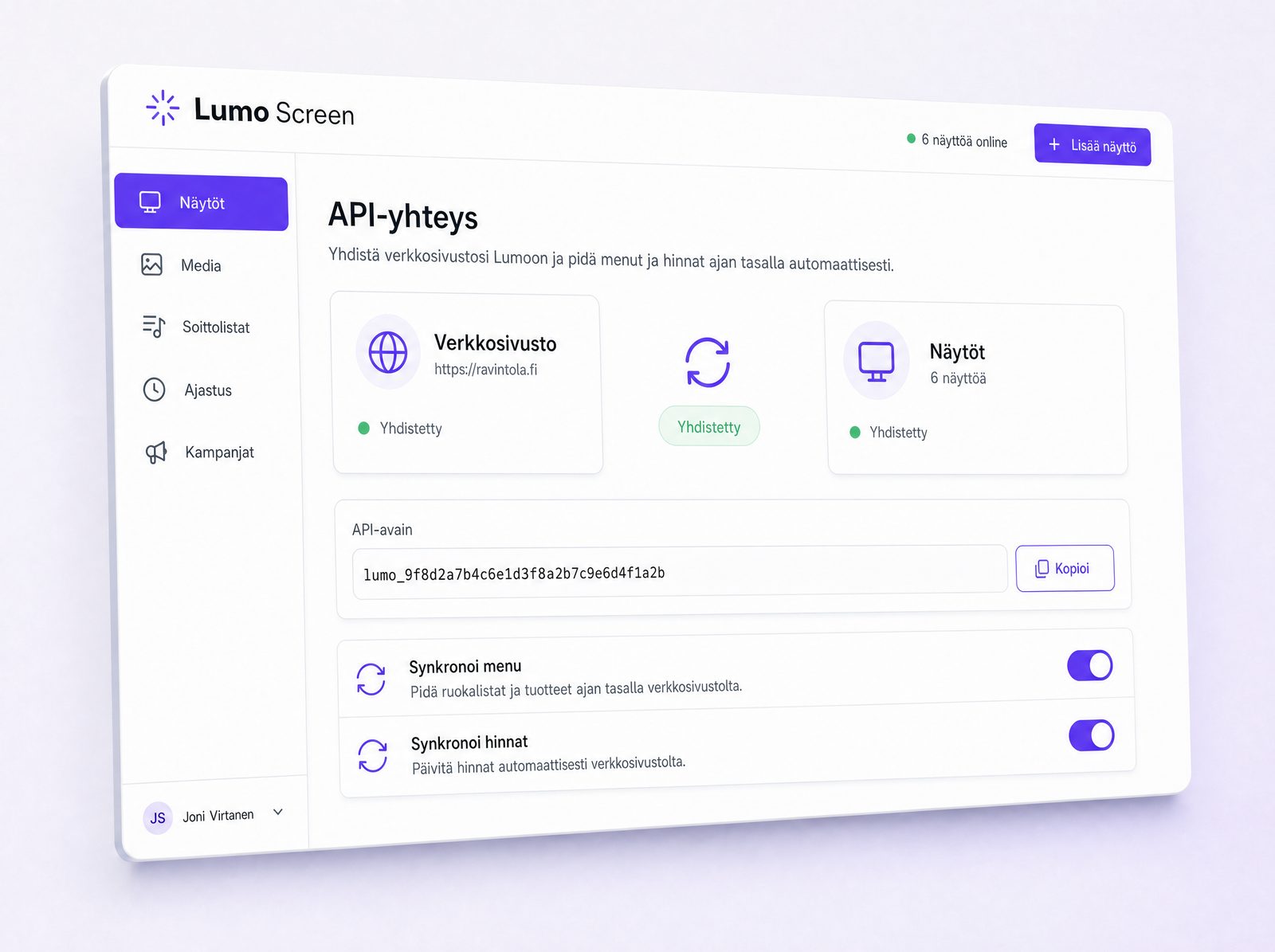
API connection between your website and screens
Creavo Screen can be connected to your website via an API. The same content stays up to date on both the website and the screens — when information is updated in one place, it appears across the right channels without double work.
- API connection to your website
- Menu data transfer and price management
- The same content across channels
Where does Creavo Screen fit?
For businesses that want to manage digital screens easily and keep content up to date without unnecessary fiddling.
Restaurants and cafés
Menus, lunch lists, campaigns, offers and info displays.
Shops and retail spaces
Product ads, seasonal campaigns, offers and timely highlights.
Offices and businesses
Internal communication, announcements, presentations and info displays.
Events and trade fairs
Schedules, signage, programmes, presentations and ad materials.
Receptions and service points
Instructions, services, queue info and timely information.
Gyms and wellness
Class schedules, campaigns, member communication and instructions.
Schools and educational institutions
Announcements, schedules, events and internal communication.
Everything you need to manage your screens
Want to manage your screens more easily?
Creavo Screen brings your screens, content, menus, ads and campaigns together into one clear app. Update remotely, schedule publishing and keep all your screens up to date.
